
Turn your product reviews into a conversion machine.
Displaying authentic customer reviews directly on your product pages helps shoppers buy with confidence, increases trust, and can improve conversion rates.
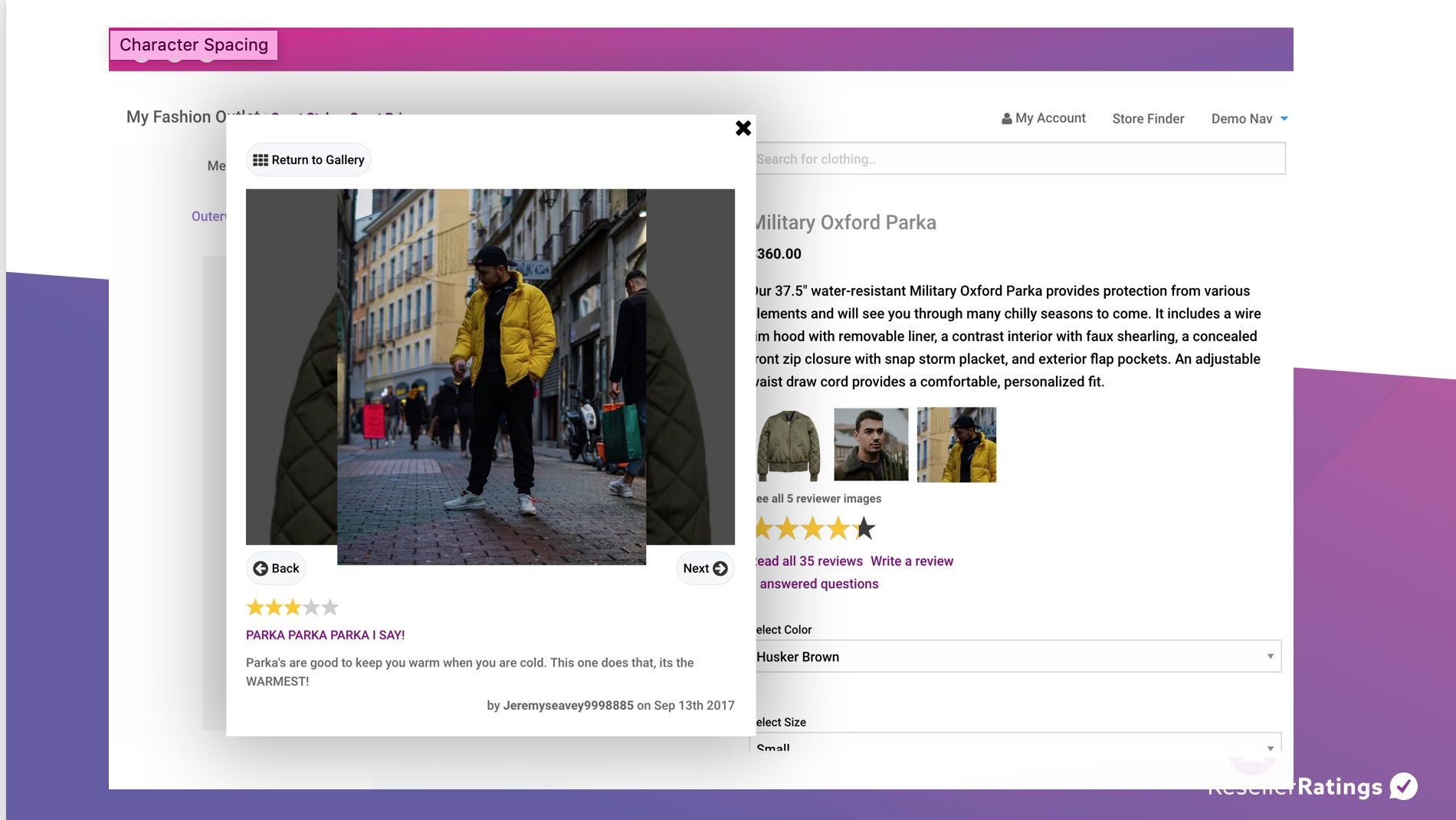
See It In Action
Visit our Product Reviews Demo Page to see exactly how the widgets look and behave on a live storefront.
Visit the product reviews DEMO page to see it in action
Before You Start
To display Product Reviews, you’ll need two things:
✅ The ResellerRatings Product Reviews JavaScript
✅ One or more display containers (<div> tags) where reviews should appear
If your product catalog is already being ingested through our JavaScript integration, you’re likely already set up for Step 1.
Part 1 — Insert ResellerRatings General Product Review Script
If you already have your catalog being ingested via JavaScript, you would have already completed this step!
|
<script |
Replace the placeholders:
PRODUCT_SKU
- Replace with the SKU variable from your ecommerce platform.
- This tells ResellerRatings which product’s reviews to load.
SELLER_SEO_NAME
- Replace with your ResellerRatings Seller SEO Name.
- Your Customer Success Manager can provide this if needed.
💡 The script must be present on every product page where reviews will be displayed.
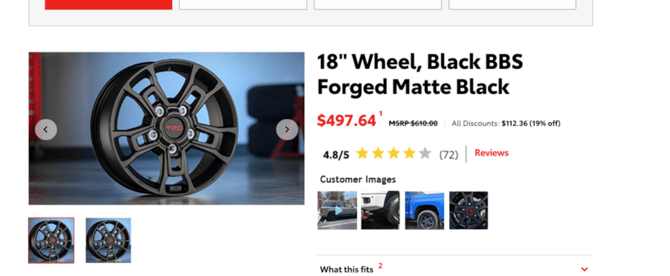
Step 2: Add the Product Rating Summary Widget
This widget displays the product’s star rating and review count near the product title, price, or purchase button.

Add this where you’d like the rating summary to appear:
<div id="RR_PR_Widget_Wrapper"></div> |
🔌Place the above <div> where you would like the product reviews ‘summary’ widget to display on your product detail pages
Recommended Placement
Most merchants place this:
- Below the product title
- Near the product price
- Above the Add to Cart button
Step 3: Add the Full Reviews Section
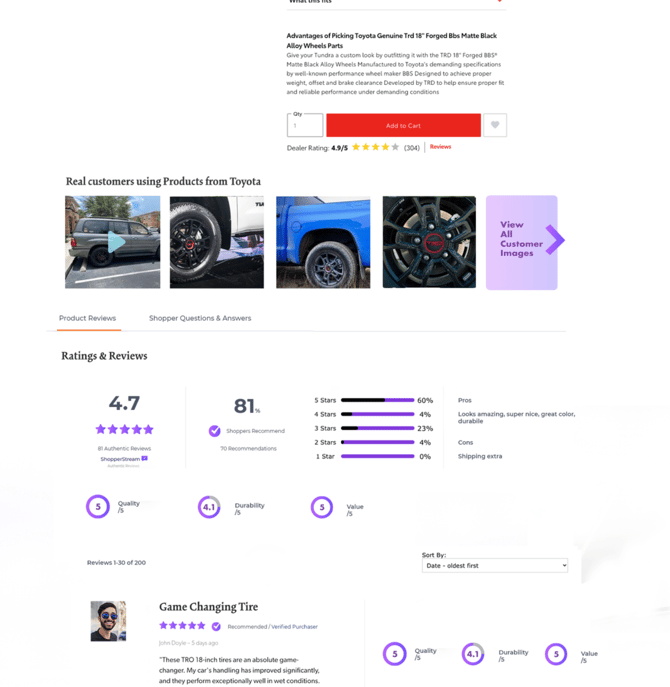
You can choose two ways to display your product reviews display with a little tweak. For a more seamless Product Detail Page experience, ResellerRatings recommends using the inline review container below instead. If you don't include this - clicking on the widget will simply pop-up the review scores.
🔌Place the following <div> where you want the reviews to show up on your product pages.
|
<div id="RR_PR_Frame_Wrapper"style = "width: auto;"></div> |
That’s It 🎉
Once these two containers are in place and the JavaScript is installed:
✅ Product ratings display automatically
✅ Review counts display automatically
✅ Customers can browse product reviews
✅ New reviews appear automatically as they’re collected
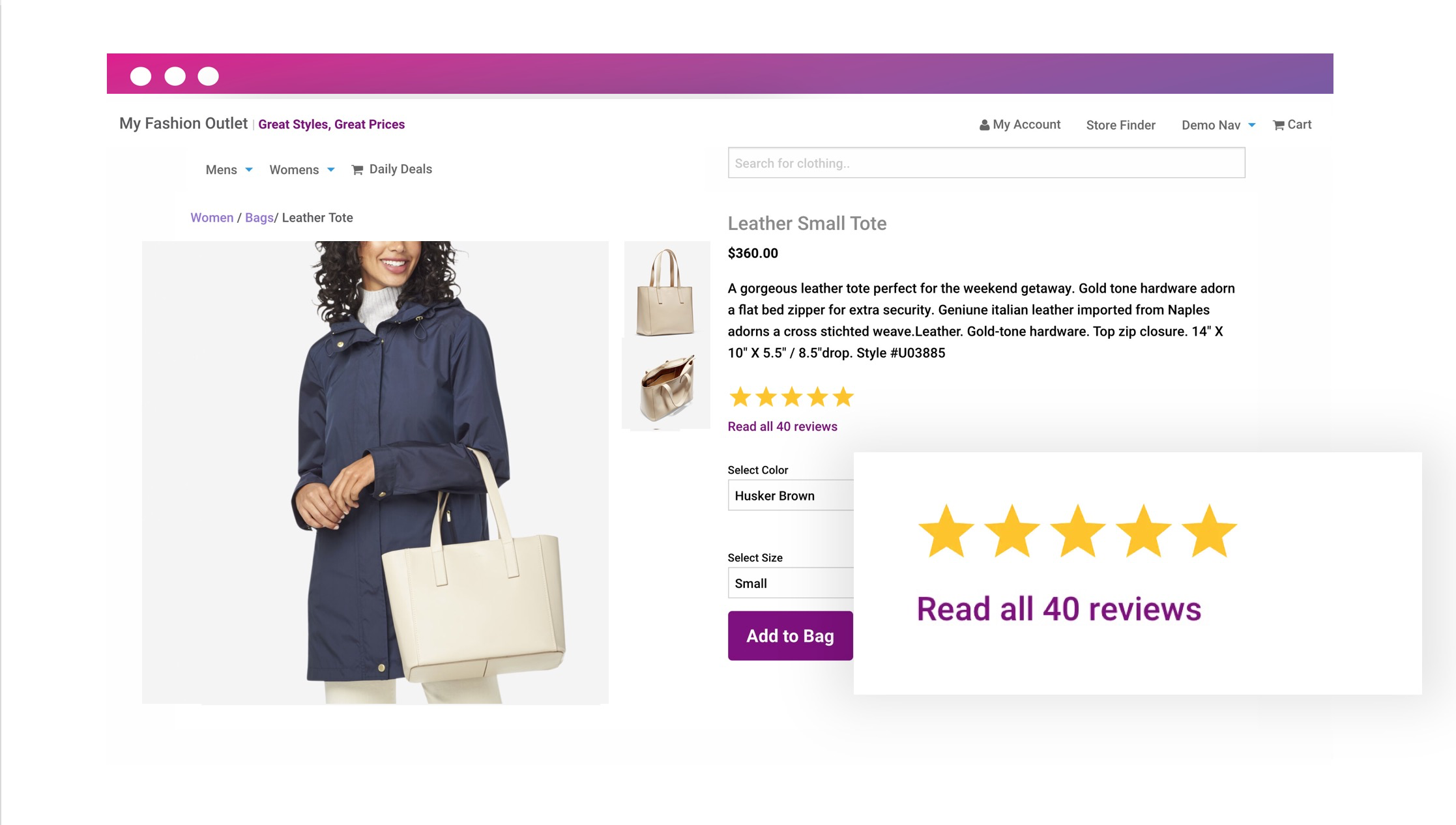
Widget Varient Types
There's a variety of widget types that summate user generated content around the product landing page. Here are some variations below depending on what you have enabled.
Basic Product Reviews Widget
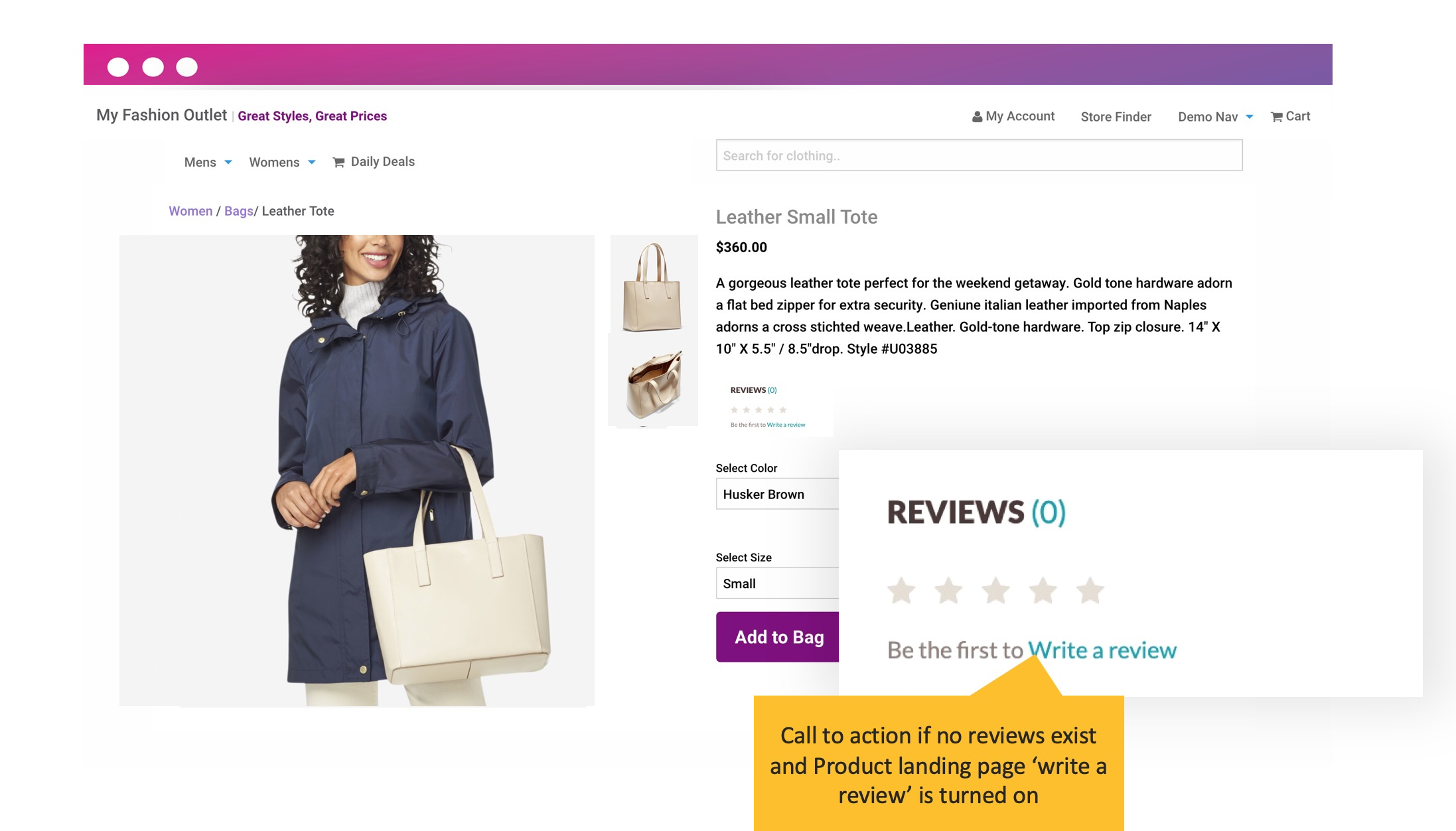
Product Reviews Widget - No reviews
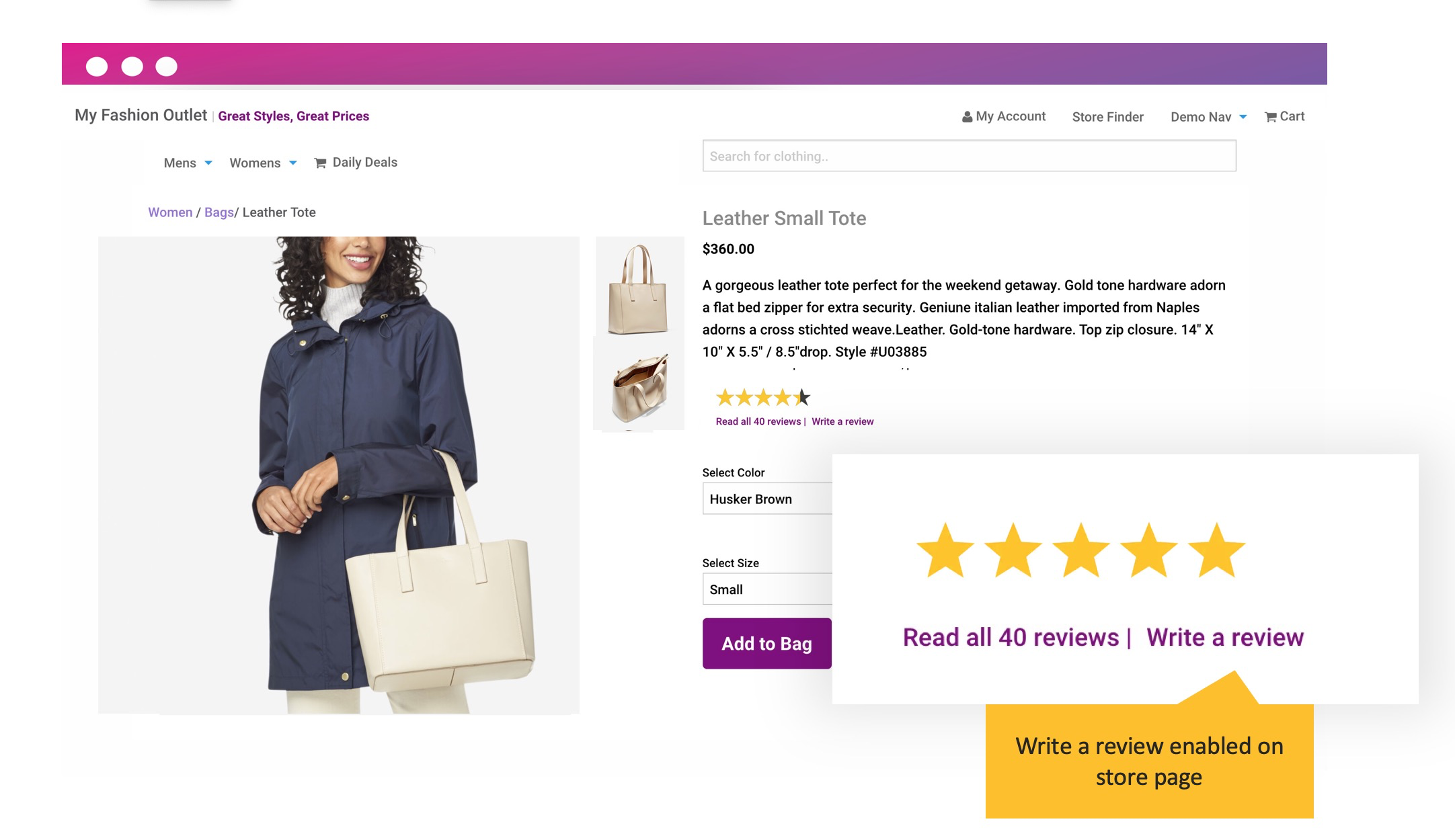
Product Reviews Only - Write a review turned on
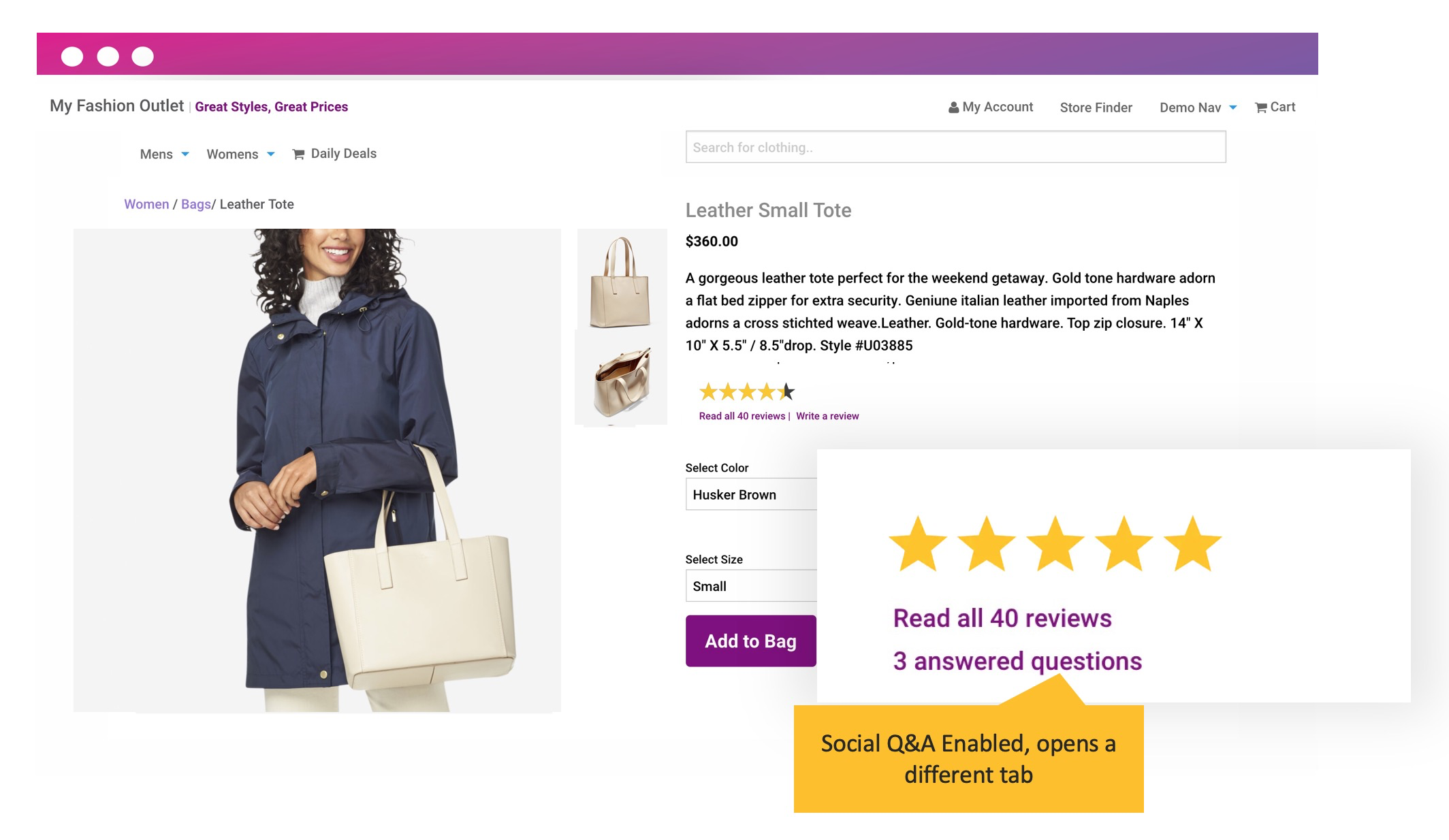
Product Reviews with Social Q&A
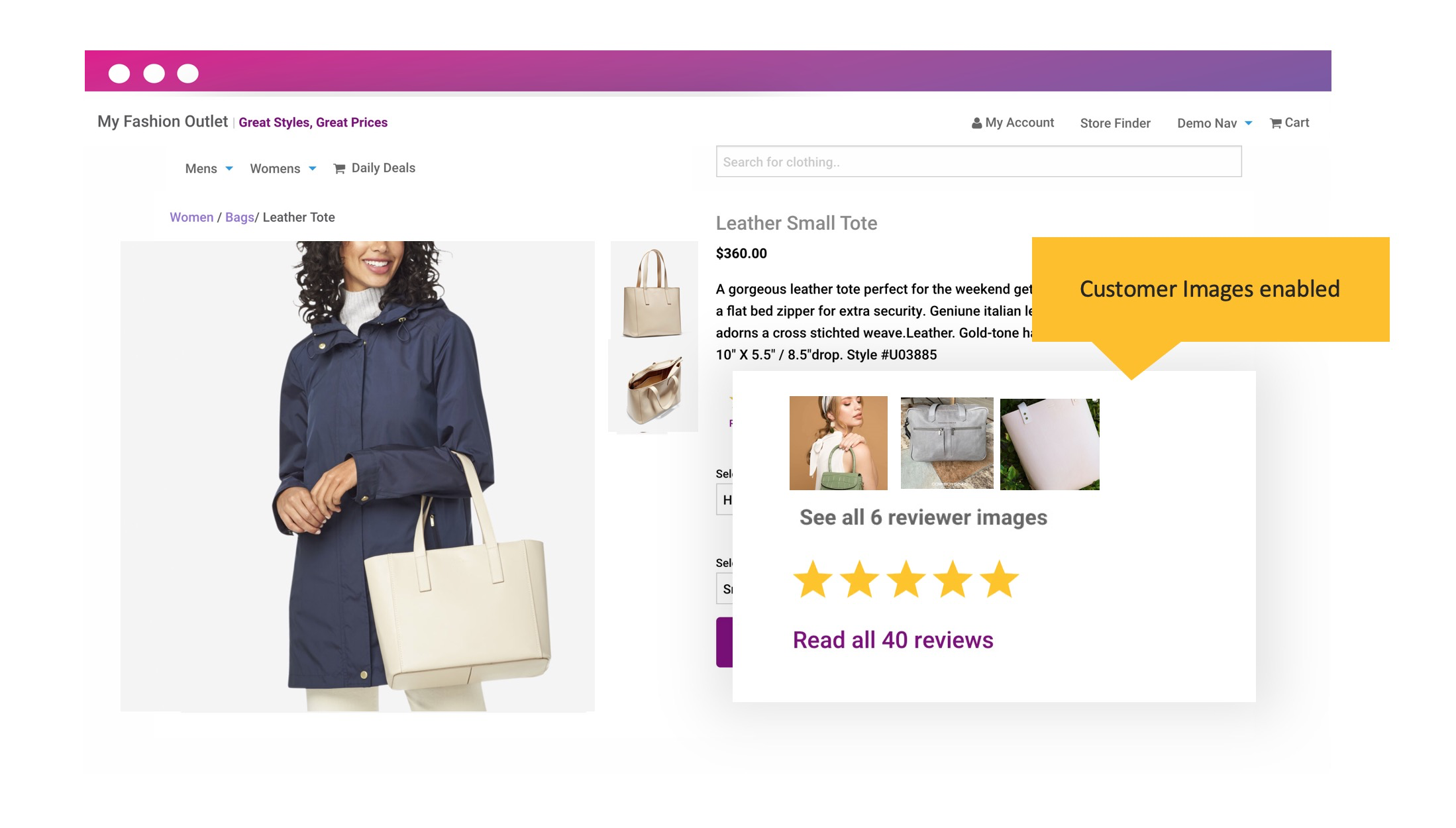
Product Reviews with Customer Images
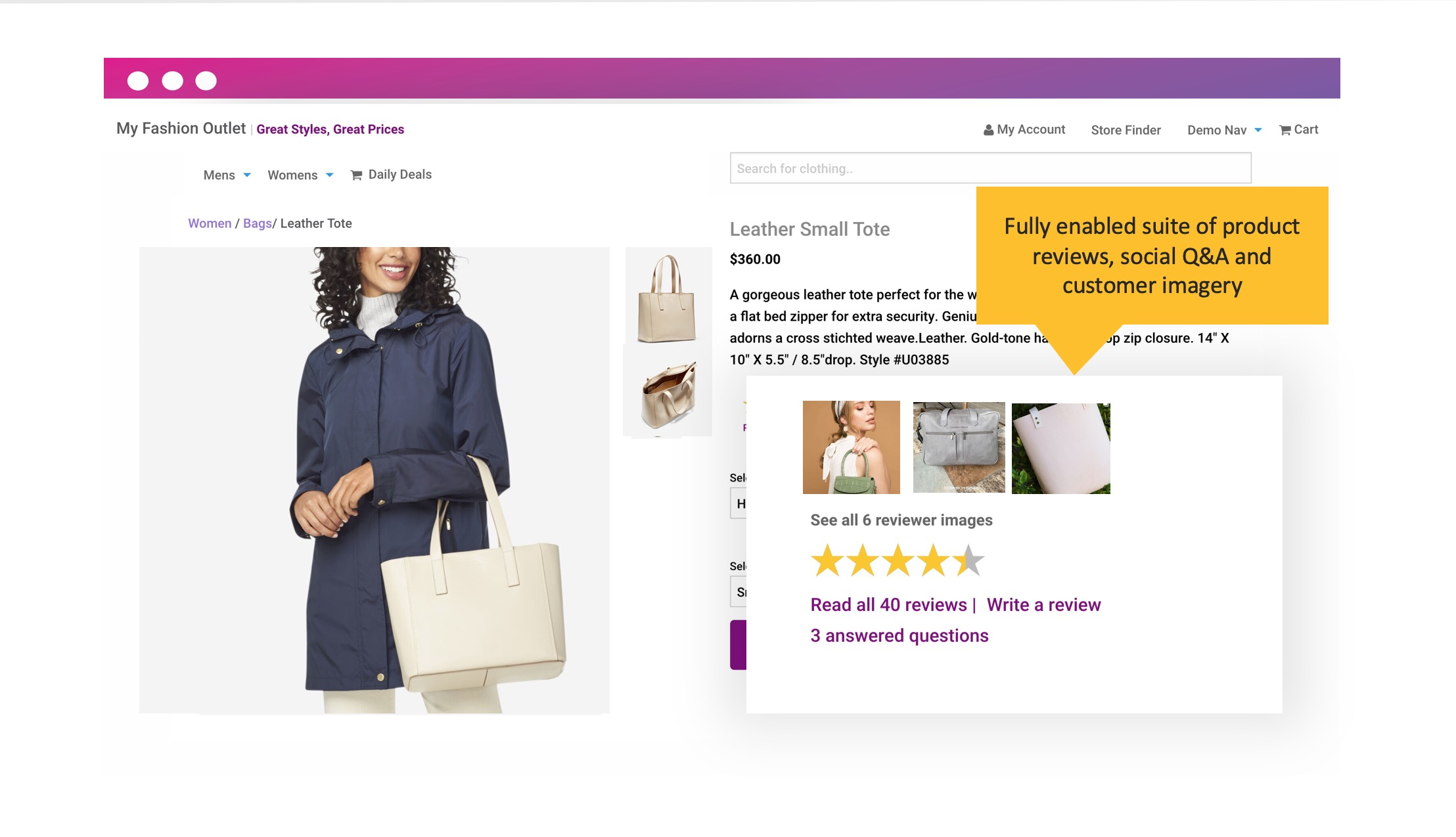
Product Reviews with full Suite (Social Q&A, Customer Imagery)
Did this answer your question?